Customer details at hand
Save each customer’s business details and review their documents and transactions.

Sell and invoice
Connect customer details, products and the invoice so you can find what you sold and what remains to be collected.
In everyday use
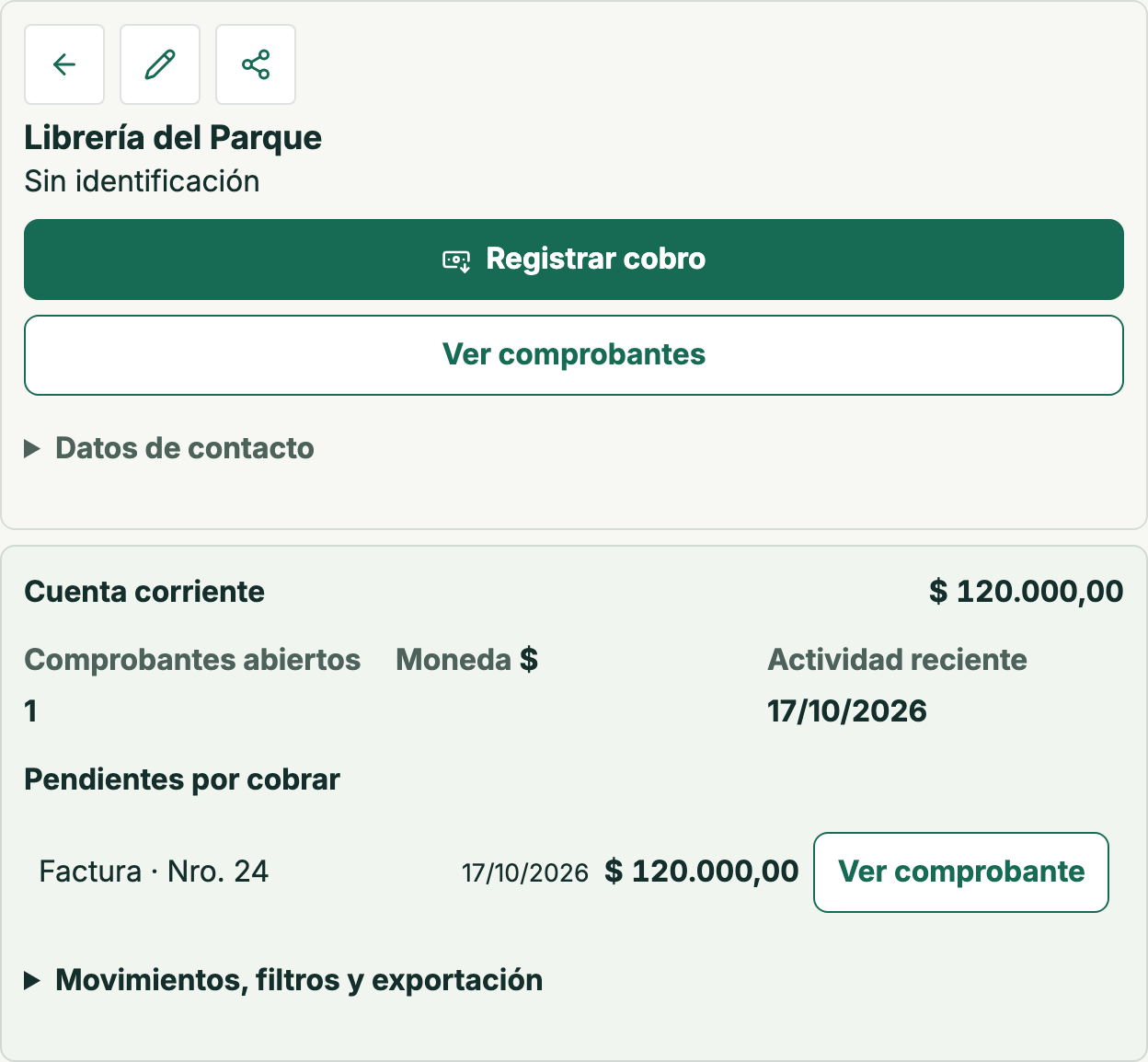
The original sample sale to Librería del Parque was recorded with its document and an initial ARS 120,000 balance. Its movement remains in the history. This product screen is in Spanish.
Choose the customer and products or services sold.
Review the business details before confirmation.
Find the document in the customer account to follow the outstanding amount.
Use the saved customer and catalog items, review the sale and keep its document to continue with invoicing and payment.
Save each customer’s business details and review their documents and transactions.
Choose saved products and services when preparing the sale.
Find the invoice and follow the balance in the customer’s account.
The customer account brings together documents, payments and the balance to review the business relationship.
No. The demo lets you try commercial work with sample data and no ARCA connection.
A demo company with sample data.