Review before issuing
Check the customer, point of sale, date, sale terms, taxes and total.

Sell and invoice
Prepare the invoice from the sale and review business and tax details before issuing through ARCA.
In everyday use
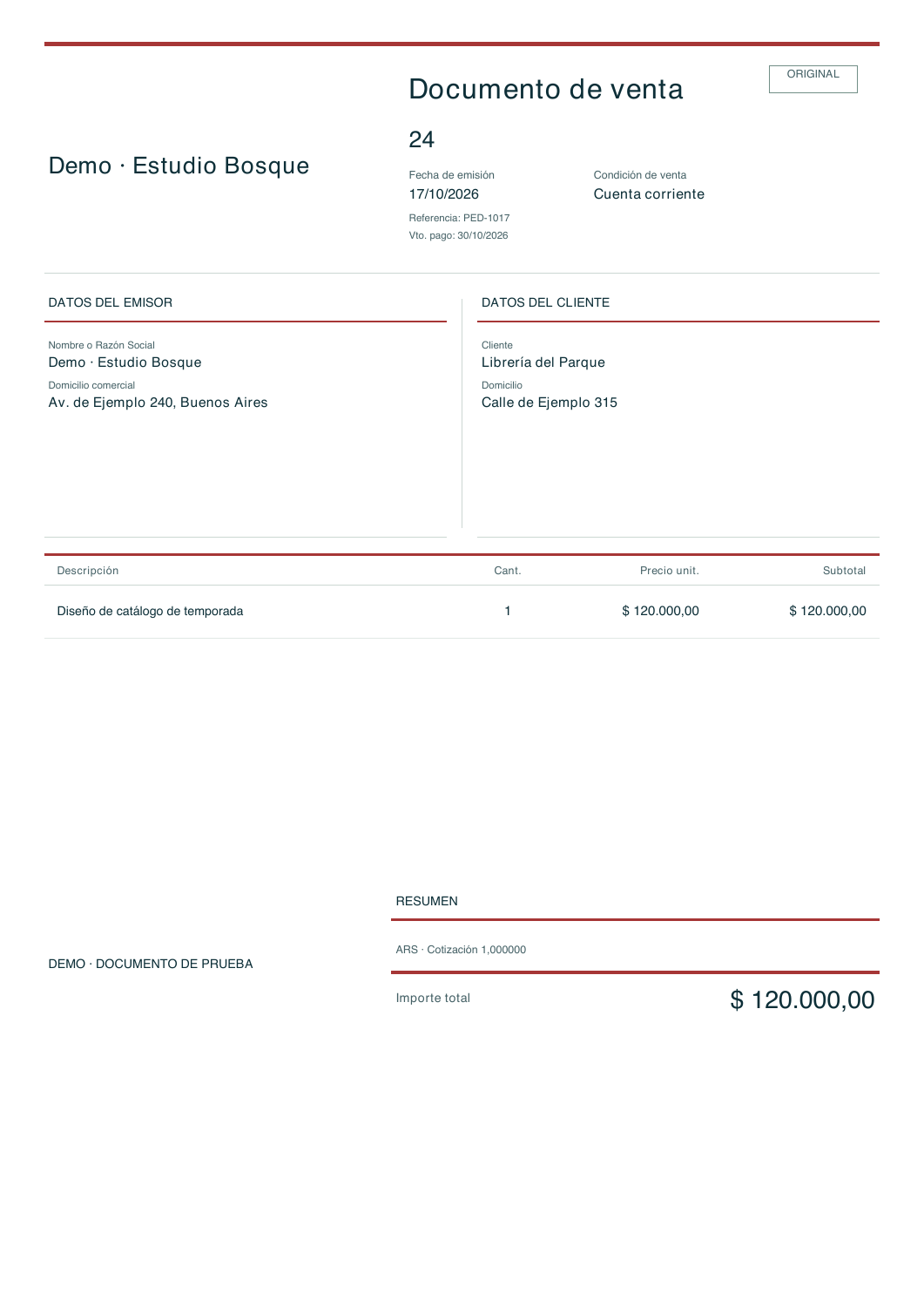
This document belongs to the demo company and uses sample data. It is a test document with no ARCA issuance. The document is in Spanish.


Prepare the sale with the customer and line items.
Review the details and total before confirmation.
Inspect the generated document and download its PDF.
Download test document (PDF) ↓
Sales document 24 · Demo company · No ARCA issuance · Spanish document.
Prepare ARCA setup for a real company →Choose the customer and line items, check amounts and tax details, and confirm issuance when the information is ready.
Check the customer, point of sale, date, sale terms, taxes and total.
Issue A, B and C invoices as applicable, and credit or debit notes for corrections.
After issuance, download the document and continue with delivery to the customer.
No. The demo does not connect to ARCA and uses test documents.
The production certificate guide explains ARCA setup. Create a real company separately from the demo.
14-calendar-day trial on paid plans, starting when you create your company. No card or automatic charges.