The invoice PDF
Download the generated document. An ARCA invoice includes the applicable tax details, CAE and QR code.

Sell and invoice
Get the issued invoice to your customer: download its PDF, send an email from Riel or share a link.
In everyday use
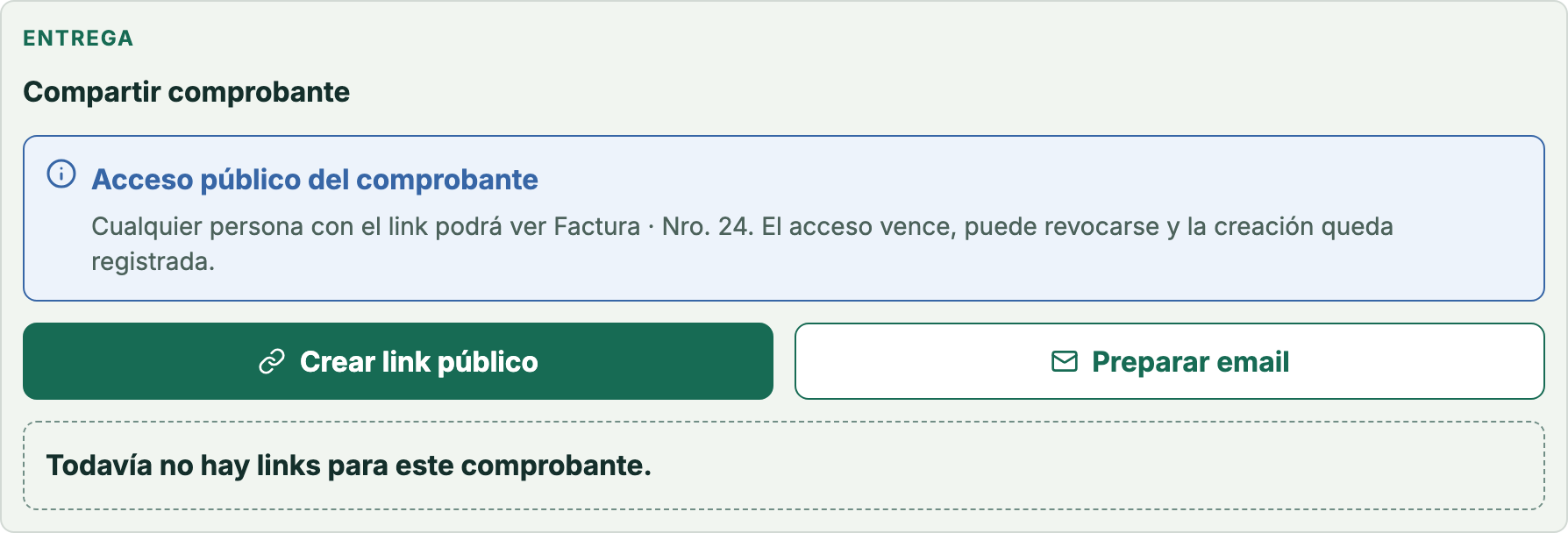
The screen belongs to a test document from the demo company. It identifies the PDF and sharing actions; it does not prove delivery to a real customer. The product screen is in Spanish.
Open the issued document and check its details.
Choose to download the PDF, send an email attachment or share the link separately.
Check the recipient and available outcome; do not treat it as a read confirmation.
Download test document (PDF) ↓
Sales document 24 · Demo company · No ARCA issuance · Spanish document.
See the sharing guide →Check the document and recipient. Email carries the PDF attachment; the public link is shared separately, for example through WhatsApp.
Download the generated document. An ARCA invoice includes the applicable tax details, CAE and QR code.
Send email from Riel with the invoice PDF attached.
Copy the public link to share through WhatsApp and control its expiration or revocation.
The operator shares through WhatsApp using the invoice’s public link. This is separate from email sent from Riel.
Email carries the PDF attachment. Creating and sharing a public link is a separate action.
14-calendar-day trial on paid plans, starting when you create your company. No card or automatic charges.